Digital downloads / one-time purchase
Tools for the edit bench
Photo preset packs, texture and brush sets, layered mockup kits and printable editing guides. No software, no app: just files, described exactly.
- Presets
- Brushes
- Textures
- Overlays
- Mockups
- Guides
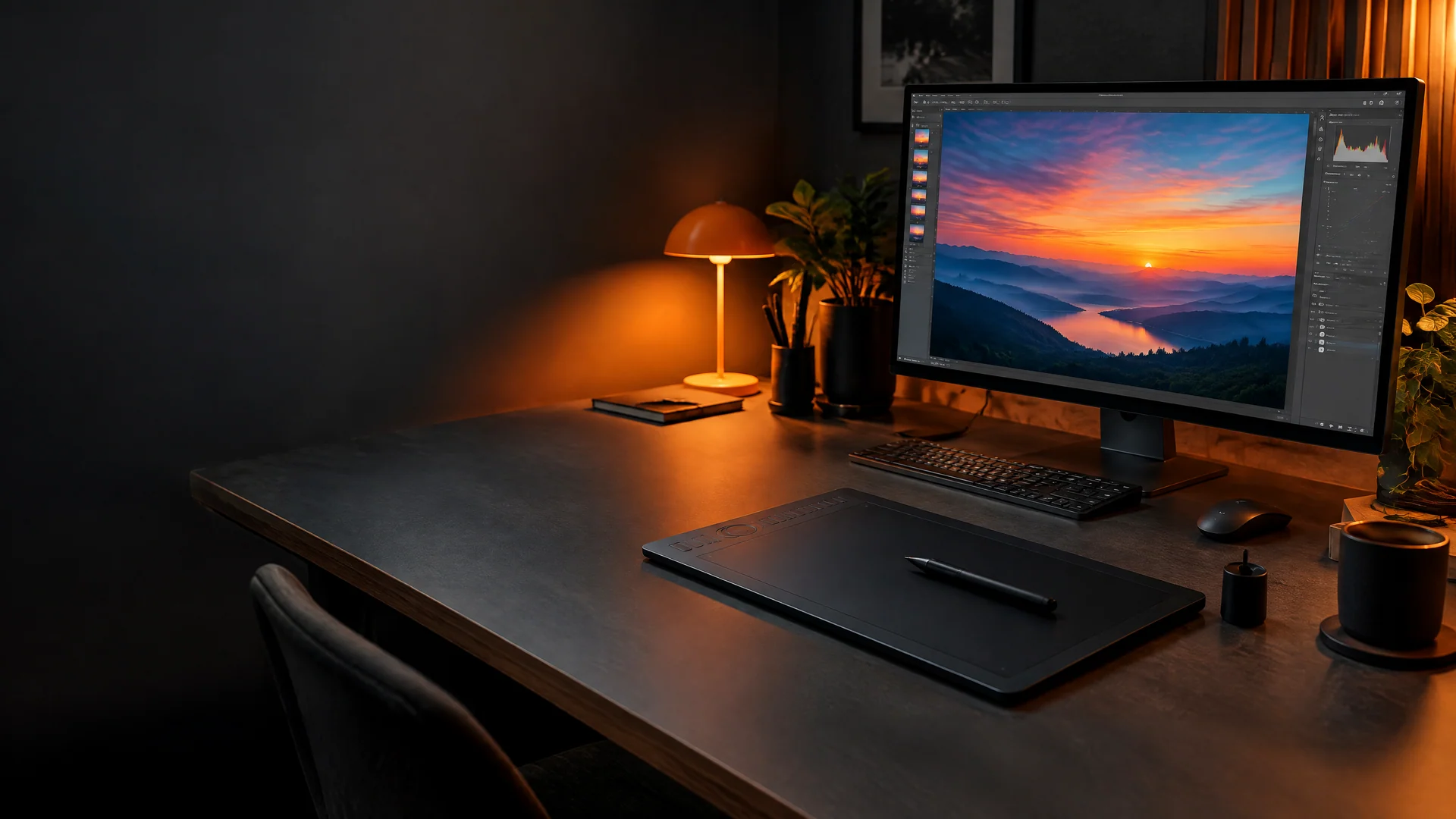
The toolbox
Three benches, one grid
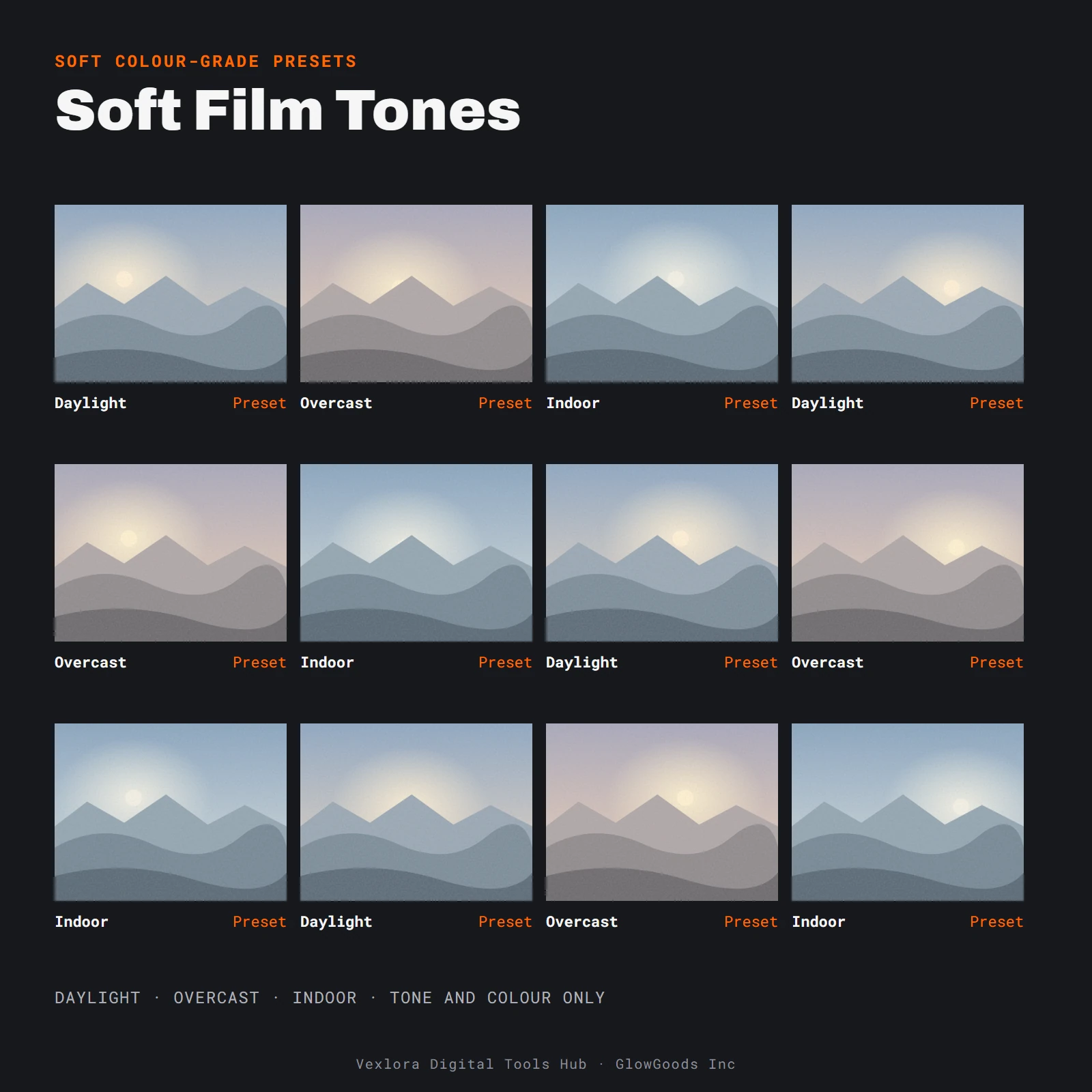
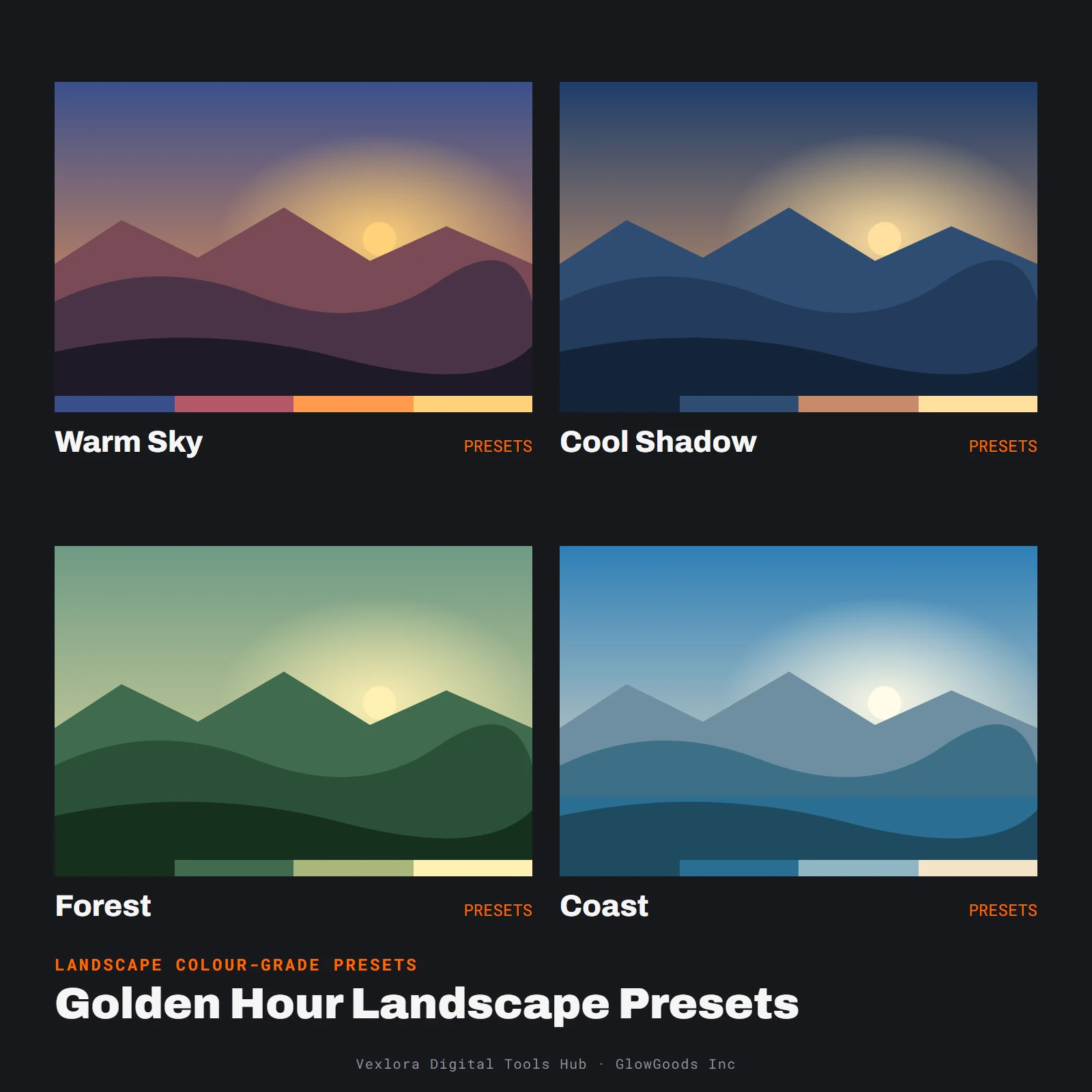
Photo preset packs
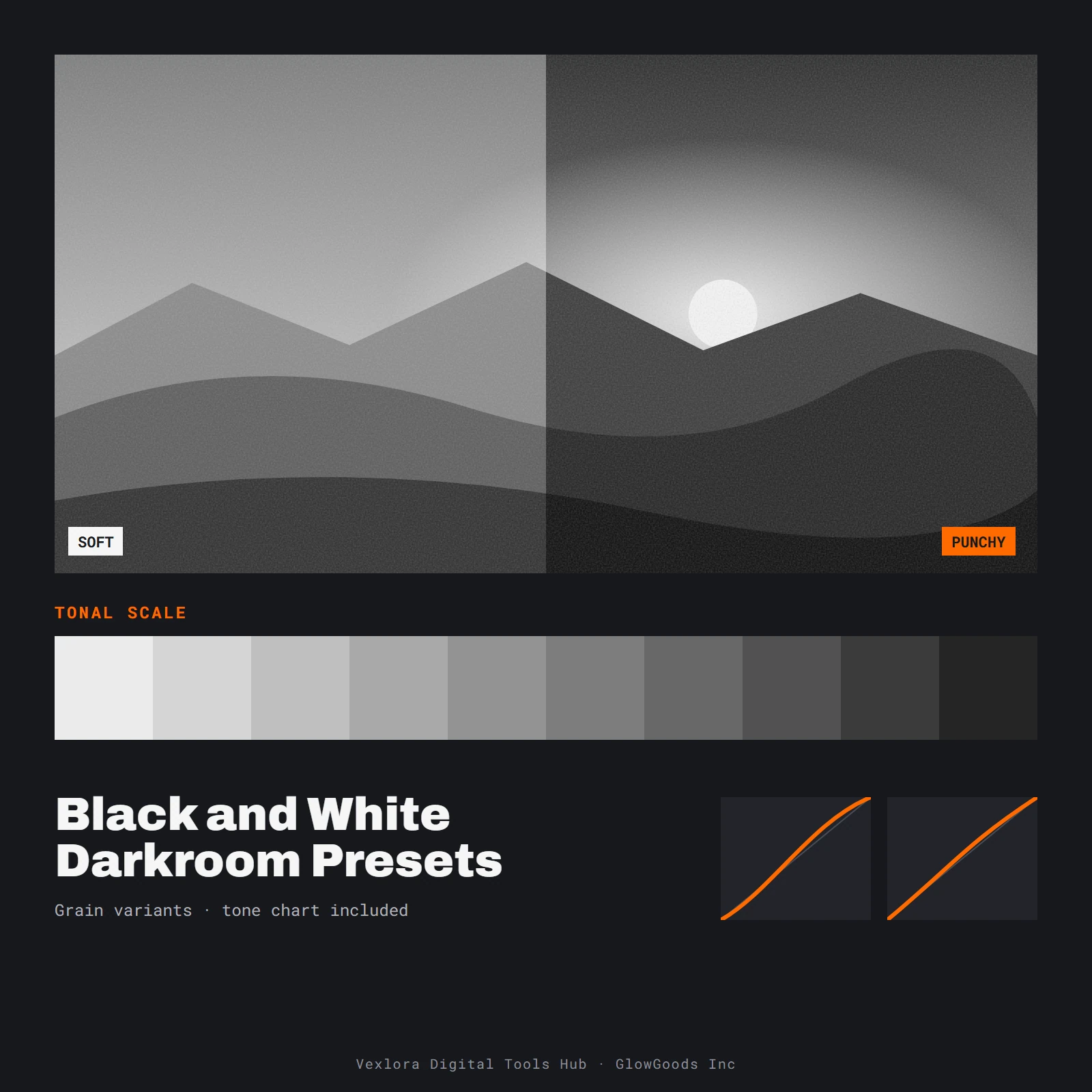
Colour-grade presets grouped by mood and subject, with a short usage note in every pack.
5 products
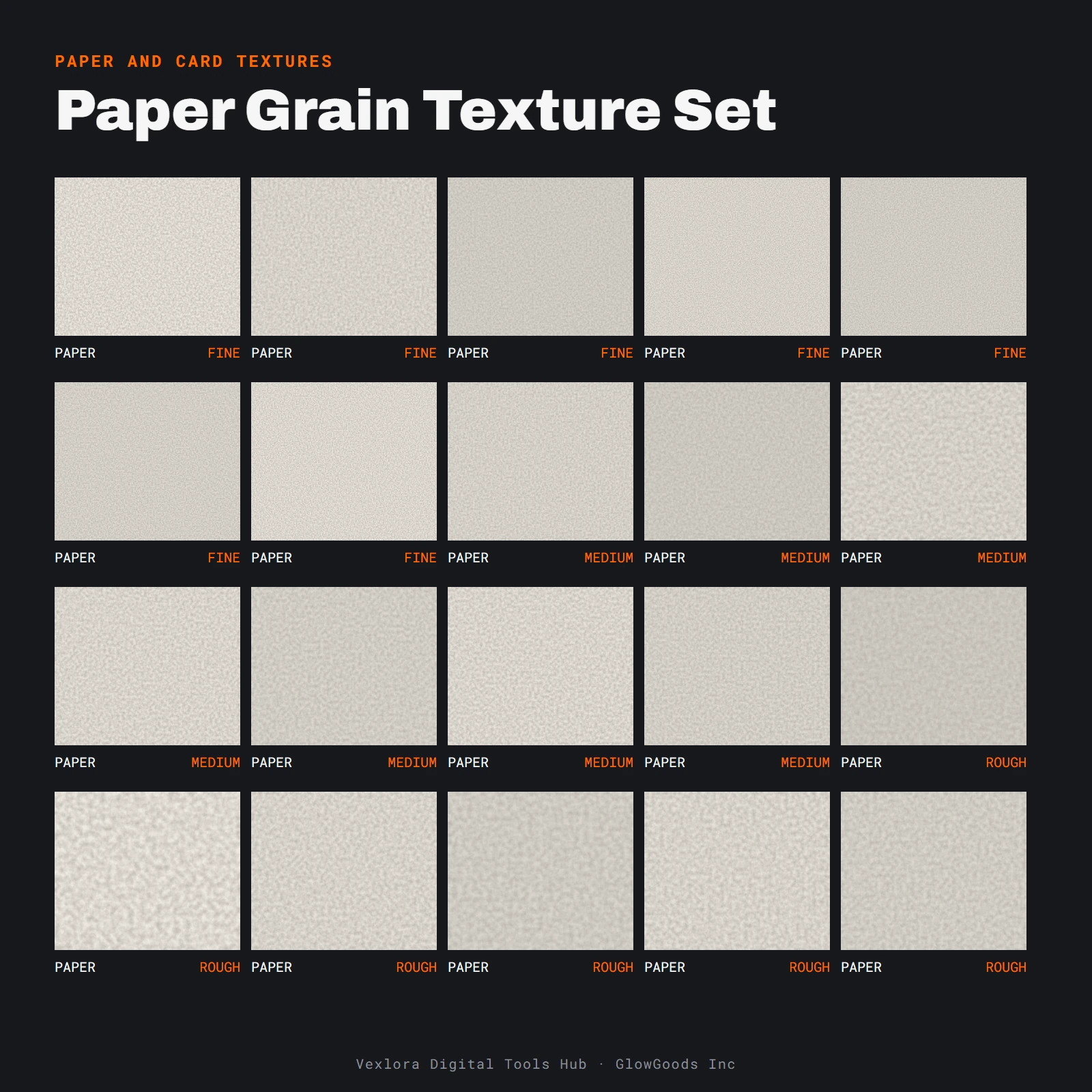
Textures & brushes
Paper, dust and grain textures plus brush sets for finishing photos and illustrations.
5 products
Mockup kits & editing guides
Layered mockups with placeholder layers for your artwork, and printable guides for a repeatable editing routine.
6 products
On the bench now
Featured downloads
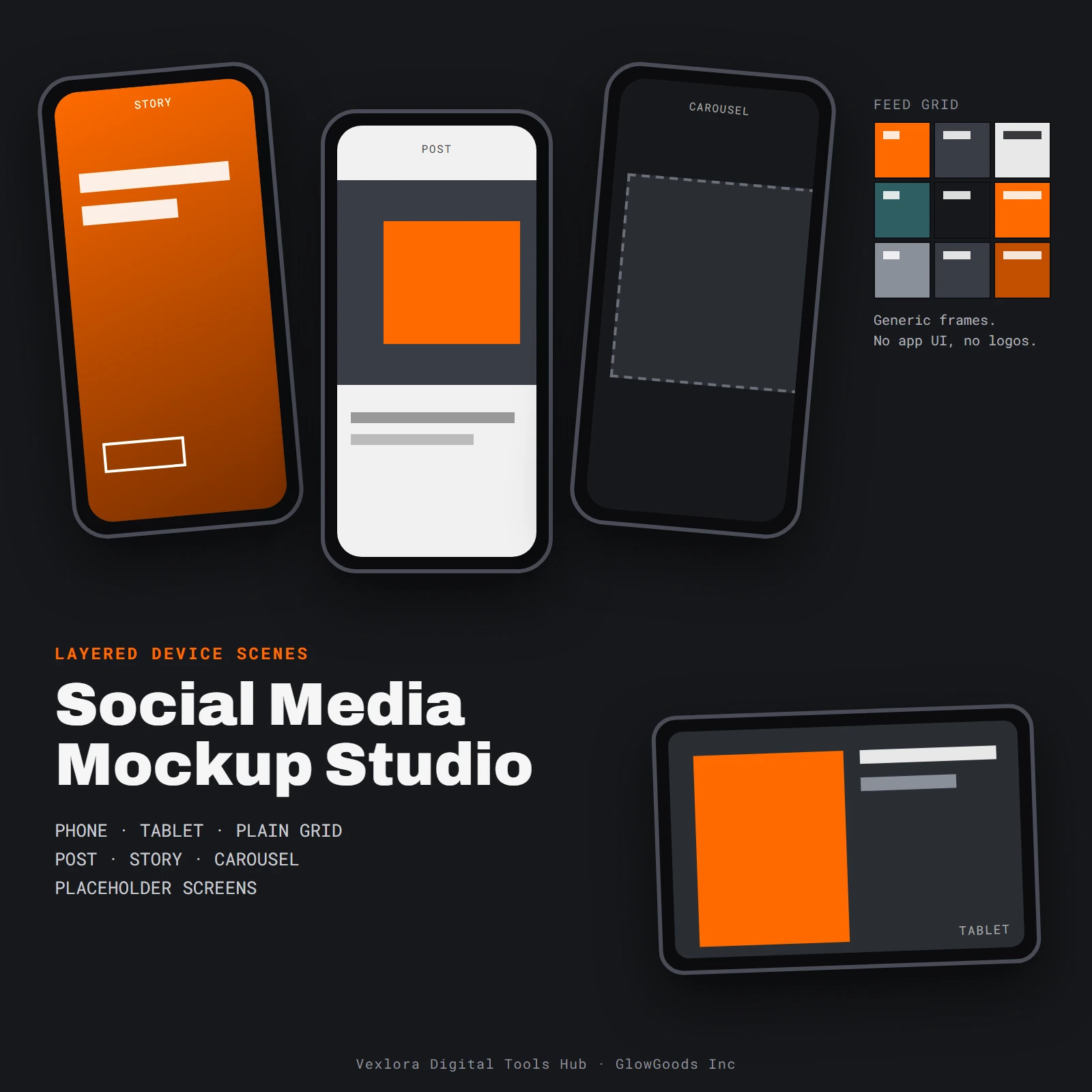
What a grade does
Slide to compare
Presets change tone and colour, nothing else. Drag the handle to see one sample scene with and without a warm grade. Use the keyboard arrows if you prefer.
Sample scene generated in code
From checkout to files
Four steps
- 01
Pick a bench
Start from the category that matches the job: tone and colour, surface and finish, or presentation.
- 02
Read the spec sheet
Each product page describes what is inside the download, so you know what you are getting before you pay.
- 03
Pay once
Checkout is a one-time payment, no subscription or recurring charges. Nothing renews and there is nothing to cancel.
- 04
Open your dashboard
Sign in with your checkout email and find your order and downloads under My Downloads.
What we sell
What is in the files
Support varies by program and version. Check that your editor can use this kind of file before you buy, and write to us if you are unsure.
- Presets
- Tone and colour
- Colour-grade settings grouped by mood and subject, with a short install note.
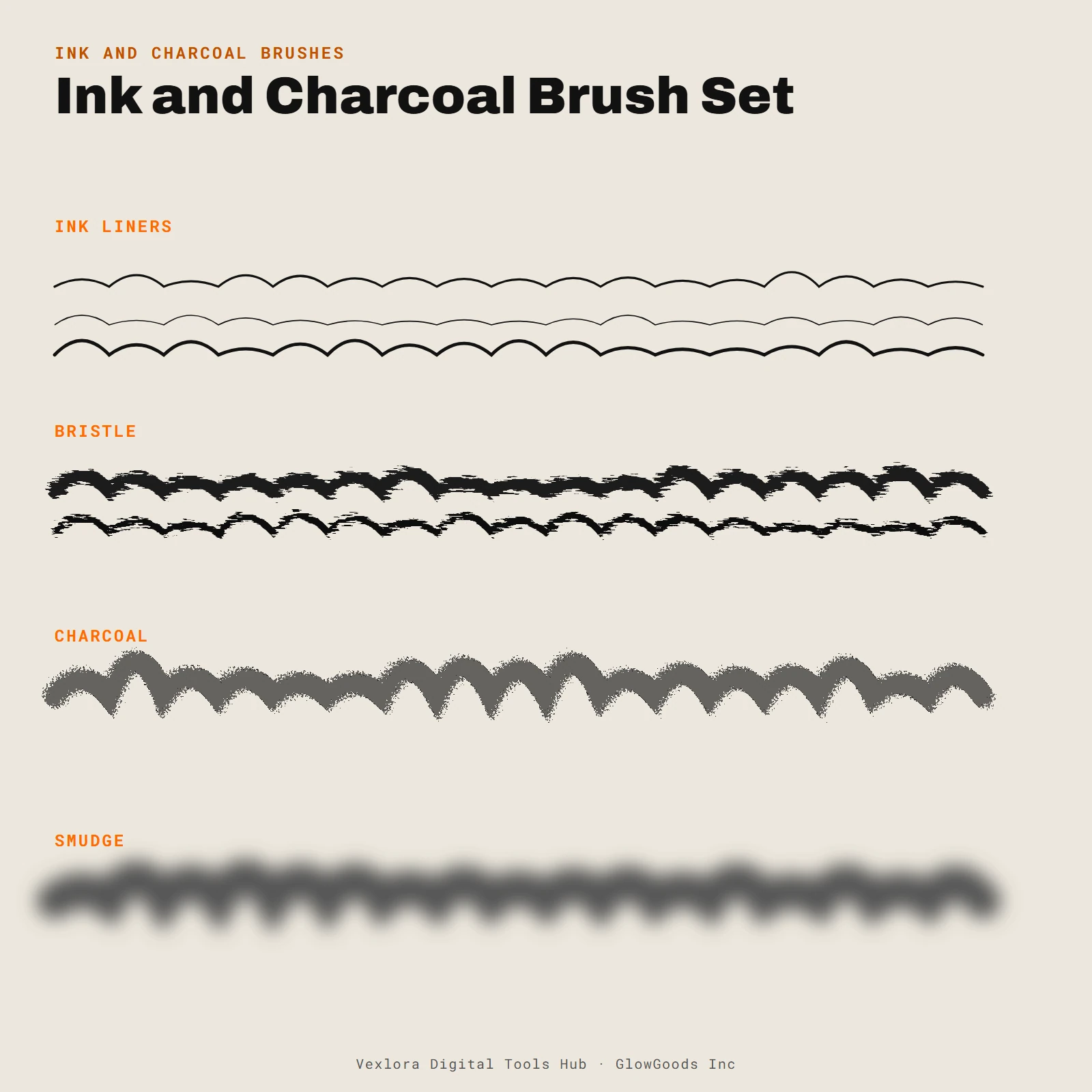
- Brushes
- Drawing and painting
- Brush sets for ink, charcoal and wash effects, with a stroke sheet to preview them.
- Textures
- Surfaces
- Paper, concrete, metal, fabric, wood grain and plaster surfaces in neutral tones.
- Overlays
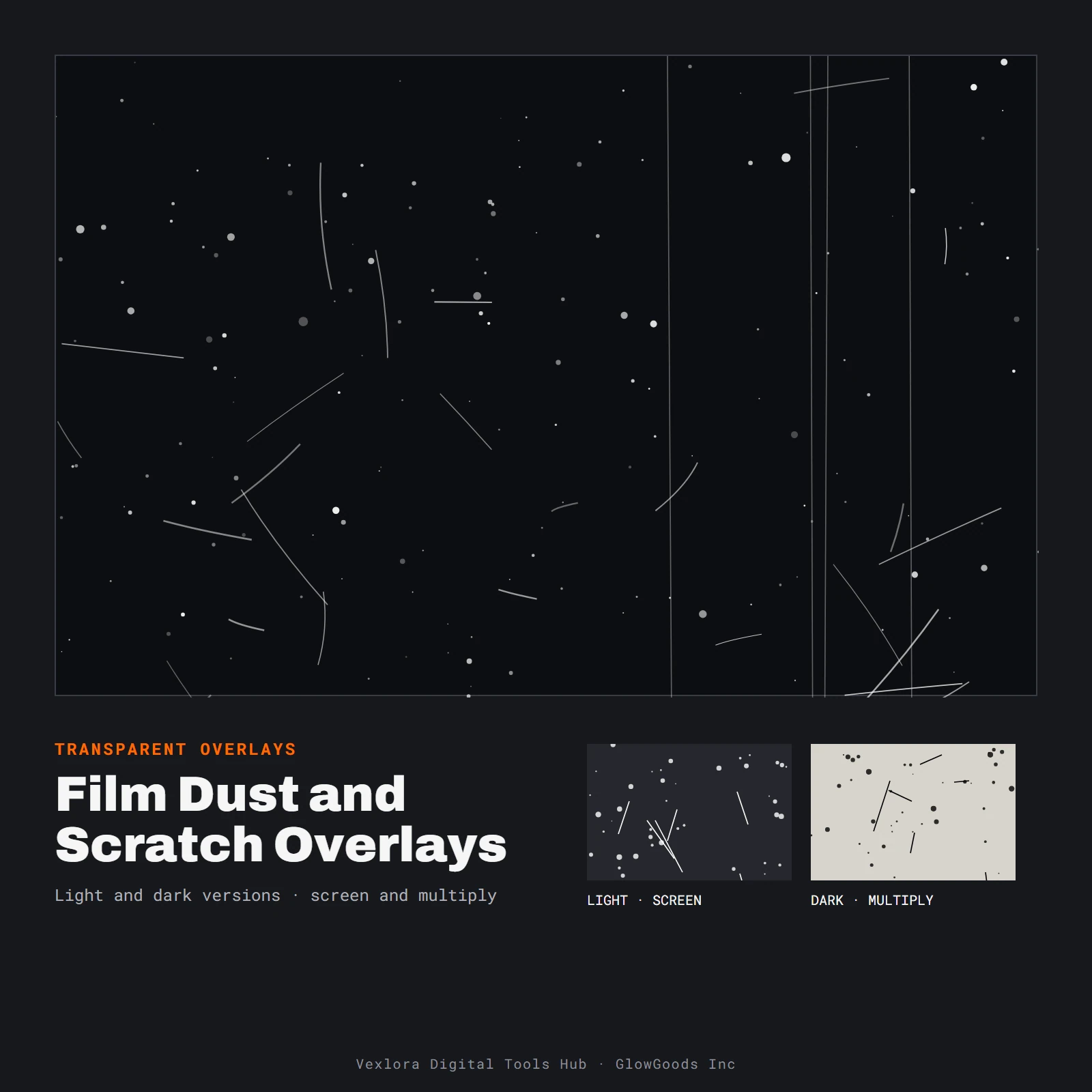
- Dust and scratches
- Layers with transparency, for screen and multiply blending.
- Mockups
- Layered scenes
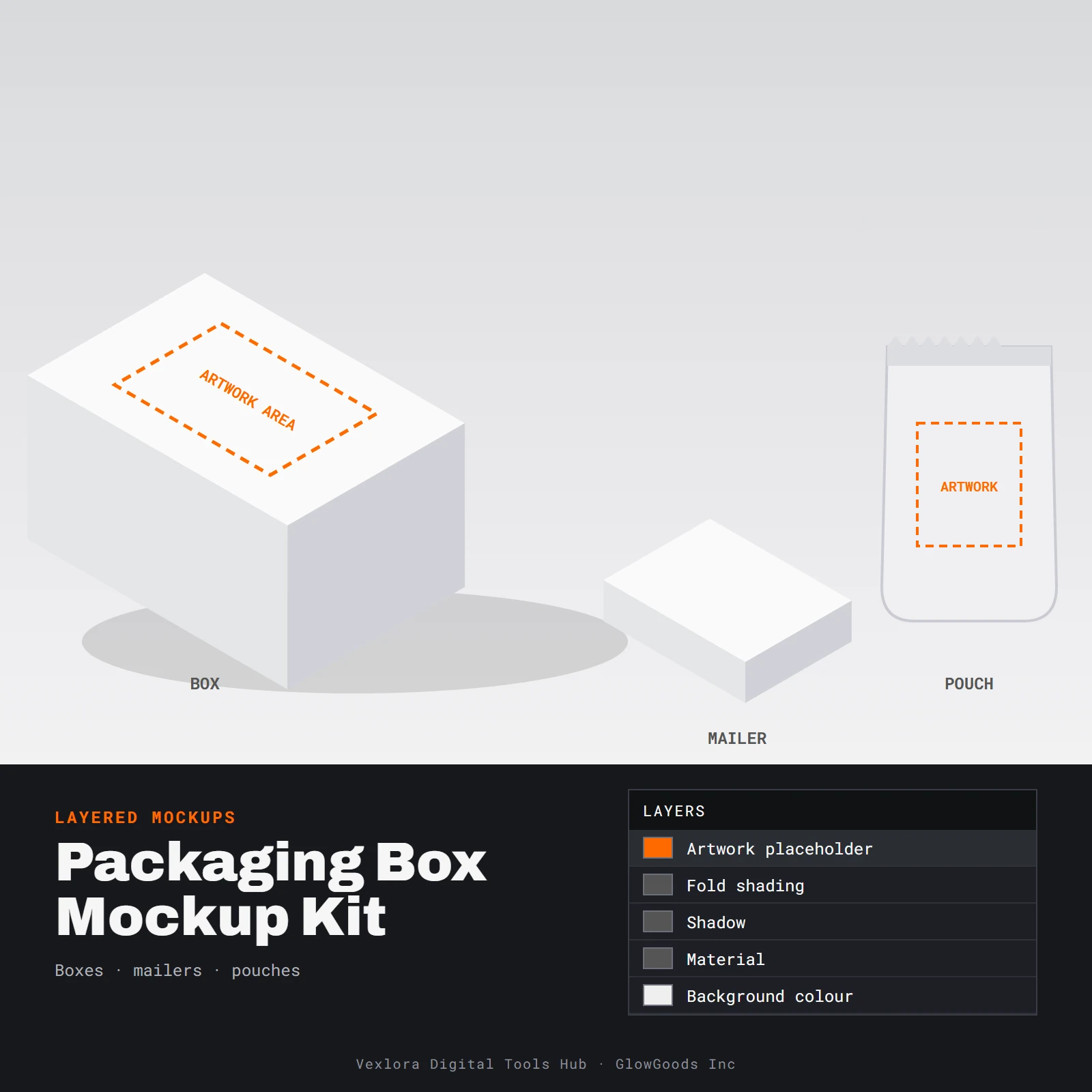
- Blank scenes with placeholder layers for your artwork, and separate shadow and shading layers.
- Guides
- Printable PDF
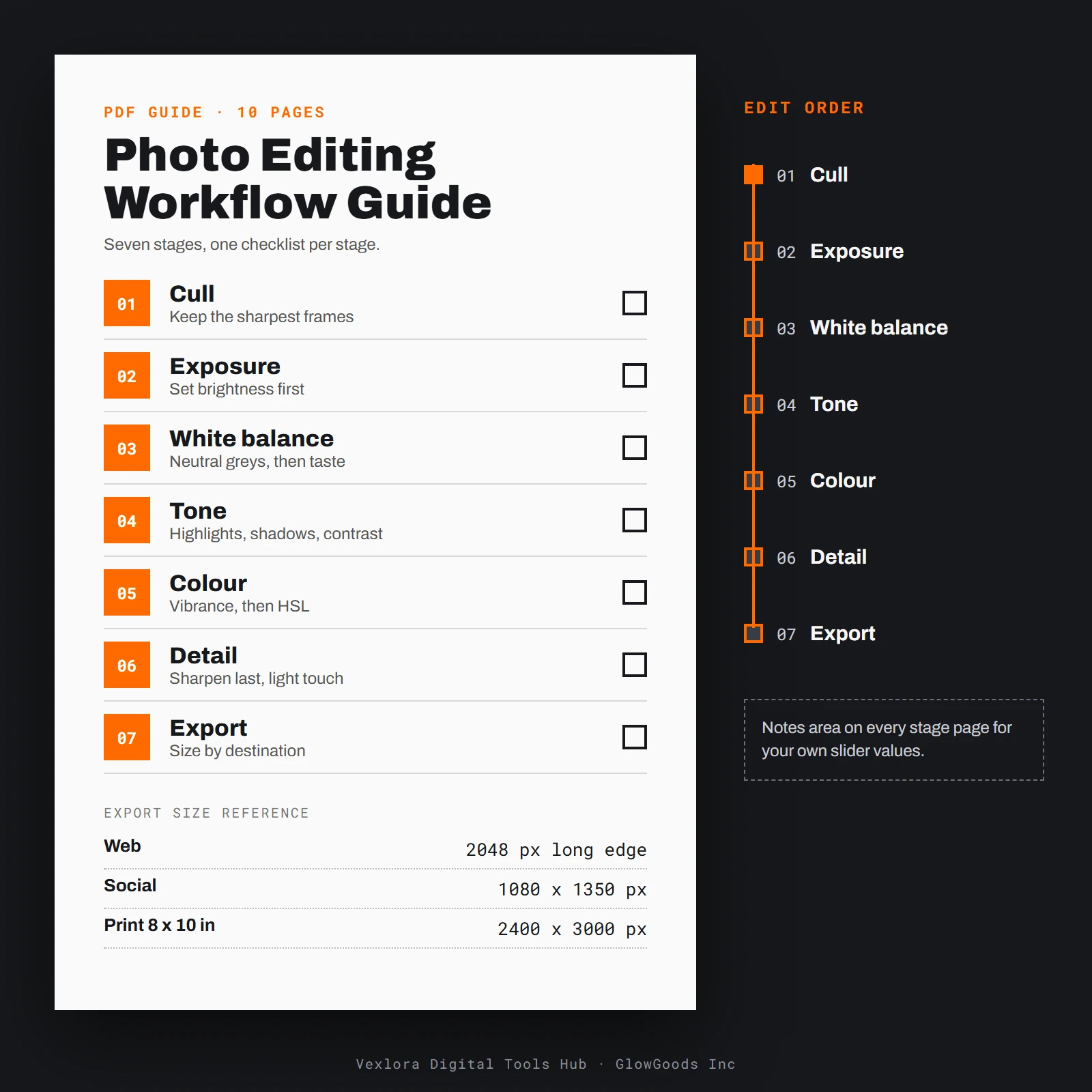
- Printable guides and worksheets, with notes areas to write on.
How it started
A shared folder, tidied up
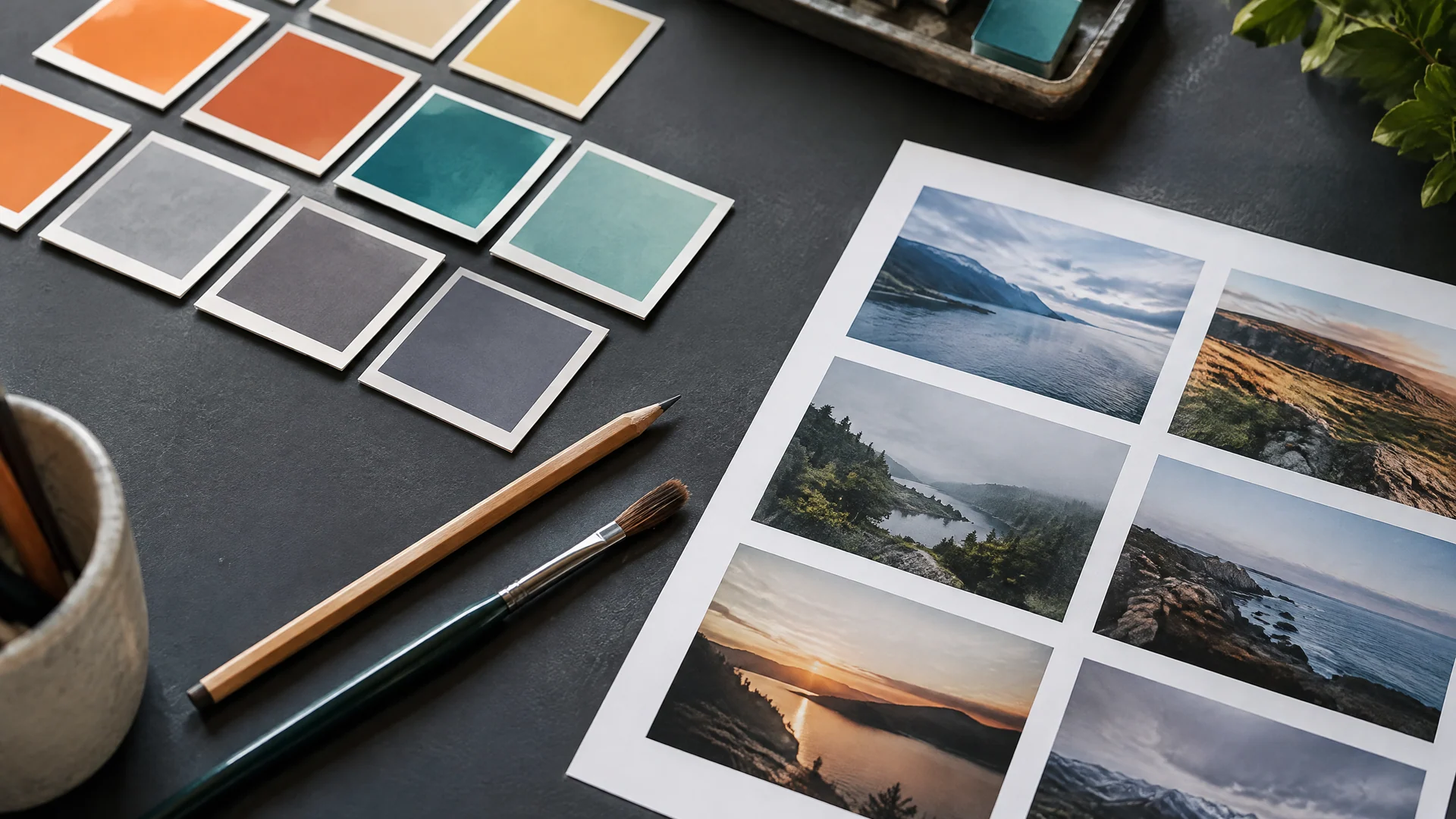
Vexlora Digital Tools Hub started as a shared folder. A few people who edit photos and lay out designs for a living kept passing around the same presets, paper textures and mockup files, and kept rewriting the same short notes about how to use them. This shop is that folder, tidied up, labelled and sold as individual downloads.
We keep the catalog small on purpose. Preset packs are grouped by subject and light, textures are neutral so they do not fight your colour work, and mockups use generic shapes with no real brands or app screens. If something in a product description does not match what you receive, write to us and we will sort it out.
More about the shop
Textures and brushes
Surface, grain and dust
Paper tooth, film dust, ink and charcoal strokes. Texture sets, overlays and brush sets are each described on their product pages so you know what to expect.
Browse texturesPrintable PDFs
Guides you can print and write on
House rules
How we label things
Plain files
Downloads are ordinary files you can open, move and back up like any other file.
Described plainly
What a product page says is in the download is what we deliver, in plain words.
Neutral by default
Textures and mockups are neutral so your colour decisions stay yours.
Generic subjects
Mockups use blank shapes. No real brands, no app screens, no people.
Mockup kits
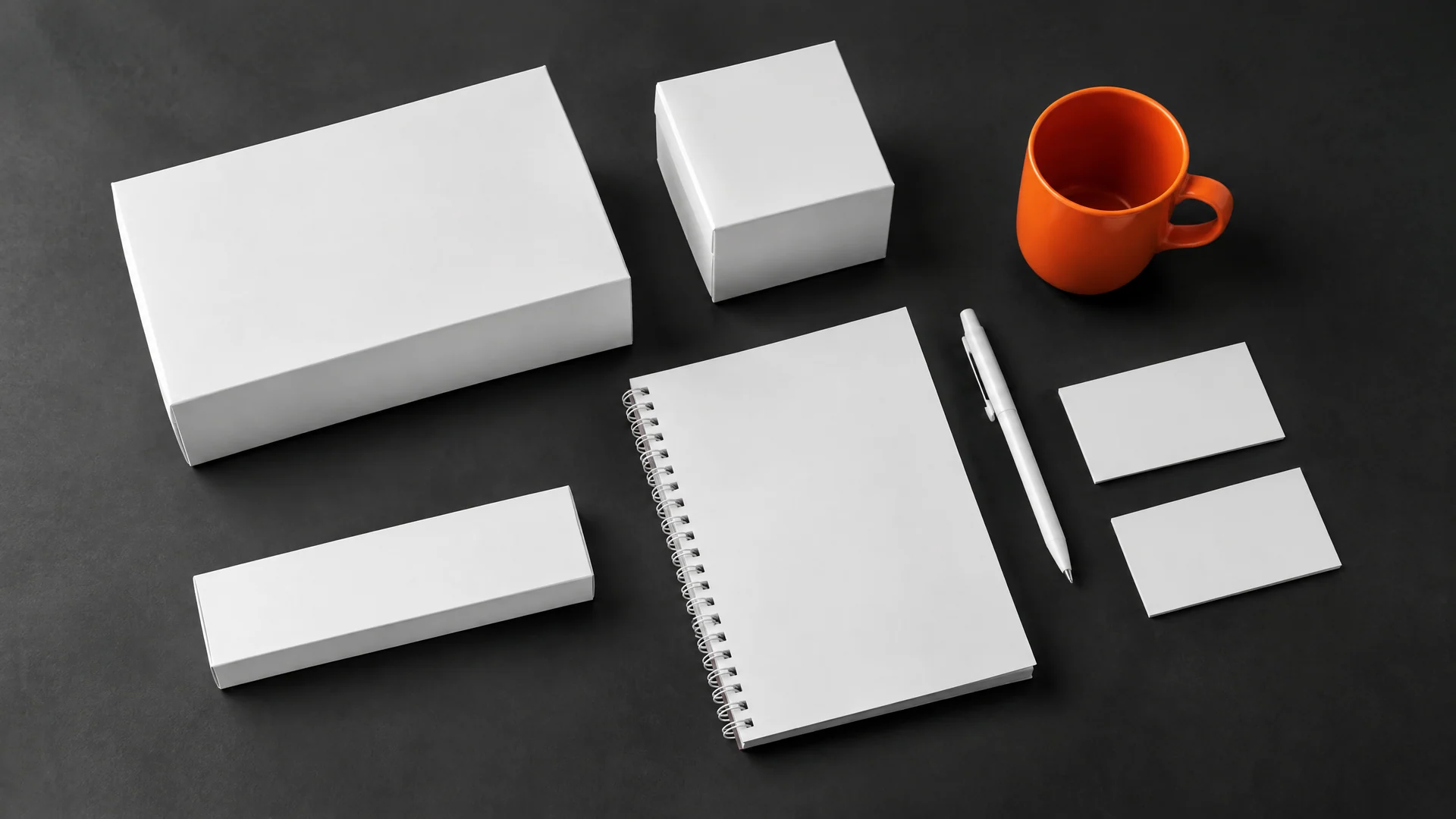
Blank scenes, ready for your artwork
- Layered mockup files with placeholder layers for your artwork
- Shadow, fold and colour layers kept separate
- Generic shapes: no real brands or app screens
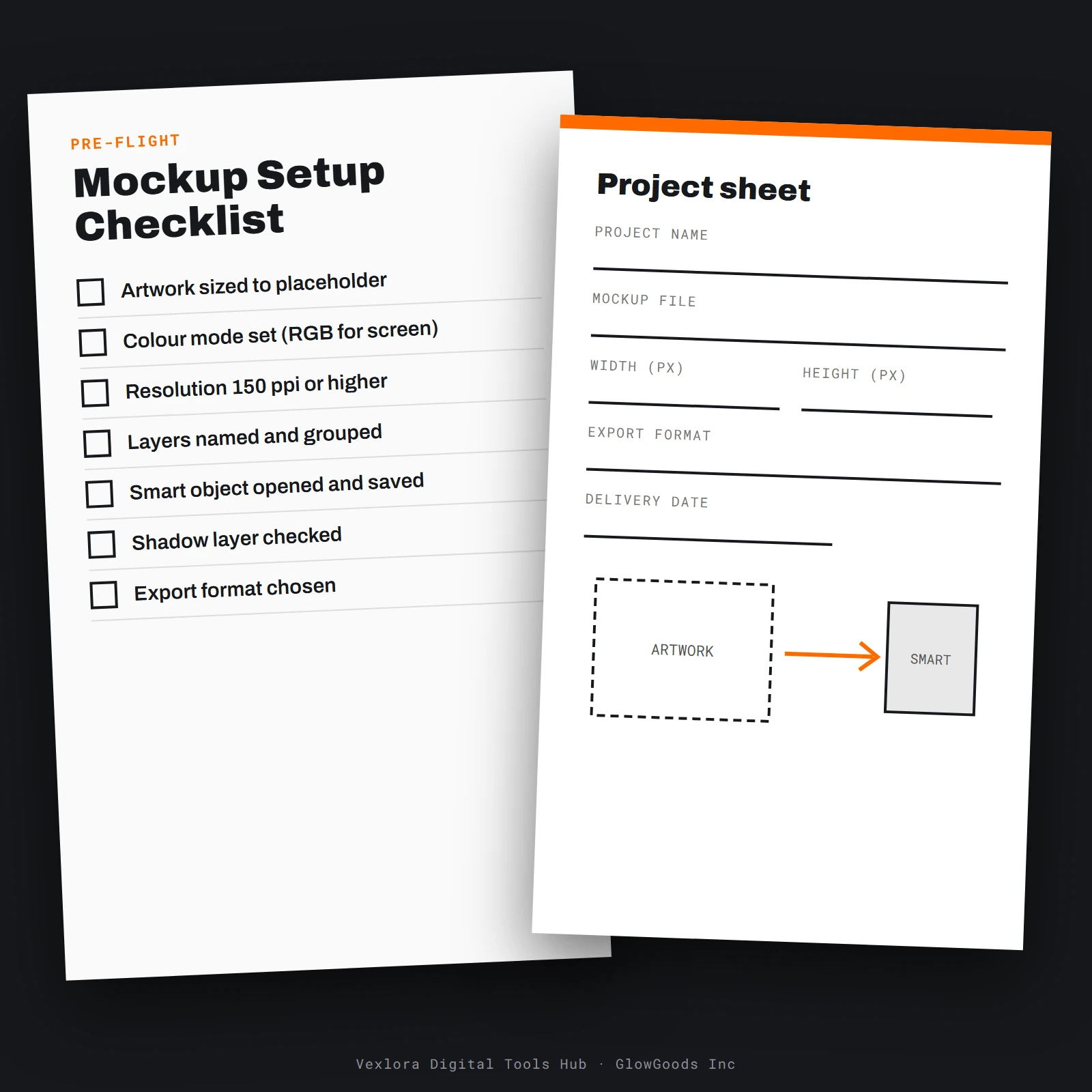
- A printable setup worksheet for any mockup
Quick answers
Before you buy
Will the files work in my editing program?
Support differs between programs and versions, so check that your editor can import presets, brushes, textures and layered mockups before you buy. Write to us if you are unsure and we will help you check.
How should I try a preset for the first time?
Start from a copy of a photo and apply the preset to the copy. Presets are starting points, so exposure and white balance usually need a small adjustment for each photo.
Is this software or an app?
No. Nothing is installed and there is nothing to log into except your own order dashboard. Every product is a downloadable file set or a printable guide.
How do I get my files after paying?
Your order and downloads are listed in your account dashboard under My Downloads. If an item shows Preparing, its files are still being finalised and will be added there. Email support with your order number if you need help.
Can I use the files in client work?
You can use the textures, presets, brushes and mockups in your own projects and deliverables. Please do not resell, share or redistribute the files themselves, in original or modified form.
Why shop with Vexlora Digital Tools Hub
Digital delivery
No shipping. Instant digital delivery after payment.
Refunds
Refunds are available within 30 days from the date of purchase. To request one, email support@vexloradigitaltoolshubxx.com.
Cards accepted
Visa and Mastercard. Payment is a one-time payment, no subscription or recurring charges.
Clear billing
Charges appear as VexloraDigitalToolsHub on your statement. Orders are limited to $500.00 per order.
Privacy
Personal information will not be shared with Third Parties.
Real people
Customer service Monday–Friday 9:00 AM–5:00 PM MT: (844) 295-1580 or support@vexloradigitaltoolshubxx.com.
Questions first? Contact us or read the FAQ.
Questions about a pack?
Ask before you buy
Not sure a file type opens in your editor, or which pack fits a project? Write to us and we will point you to the right file list.